Phones
Business calling on our own platform, with routing, IVR and devices configured by DataproTS.
Explore business phone systems and VoIPRiver Edge, NJ Since 2012
Cloud phones, configured and supported directly by DataproTS for businesses across New Jersey, New York and Connecticut.
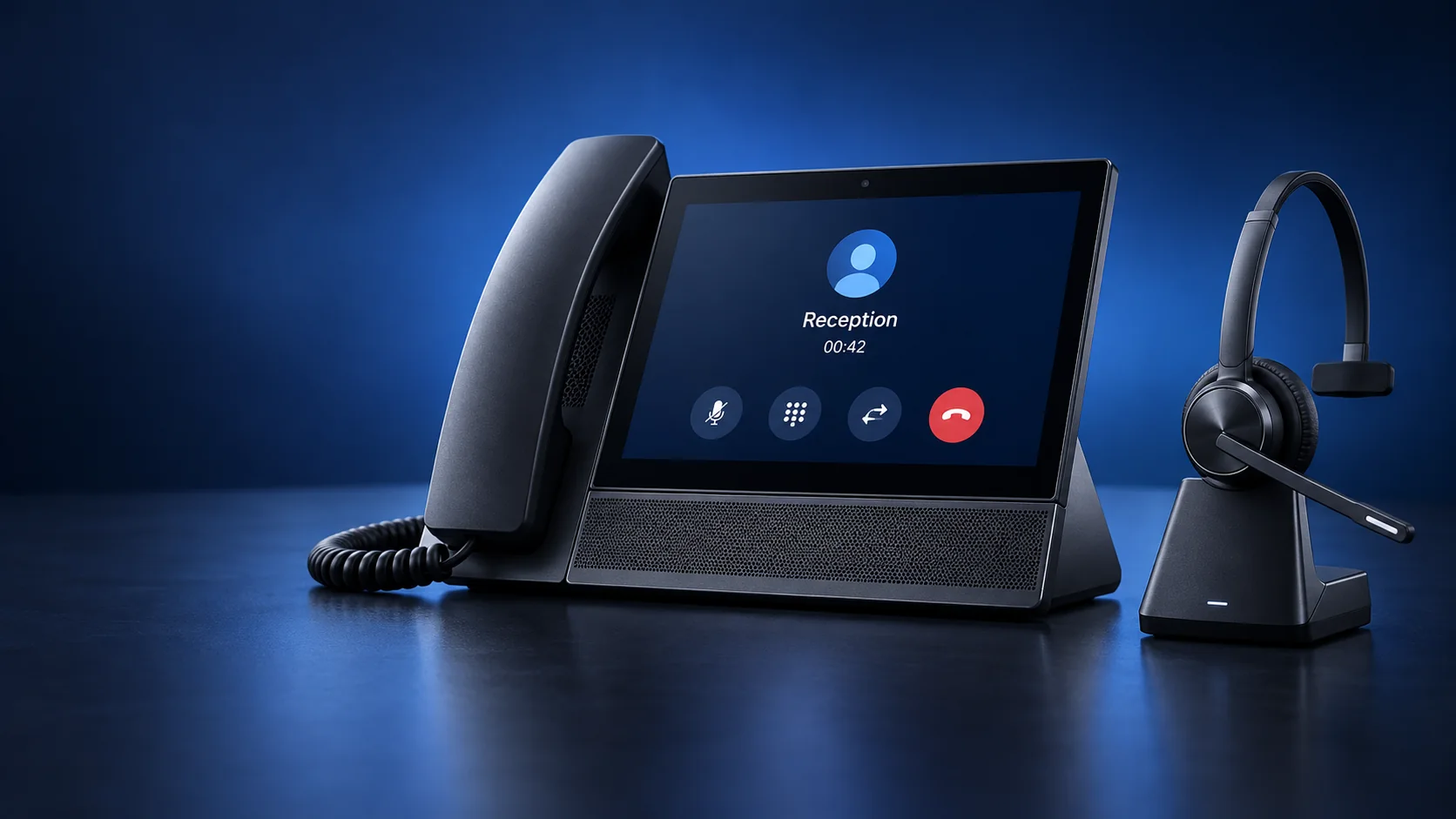
Business calling on our own platform, with routing, IVR and devices configured by DataproTS.
Explore business phone systems and VoIPSupport for office computers, applications, printers and connectivity, on its own or alongside phones.
Explore managed IT support Read the maintenance checklistPremier Partner integration for calling and call controls inside dispatch, with number masking and AI booking through LimoSys.
See the LimoSys integration Ask for a walkthroughChoose a few details for your first conversation with DataproTS.
Use this example as a starting point, or call (201) 751-1003 to describe your setup. Enable JavaScript to personalize the brief before reviewing it in our contact form.
Examples only. Choose General business if yours isn’t listed.
Your brief: Business phones · General business · One location · Mixed, or not sure yet · Open hours
See your briefThe people who plan your setup are the people who install it and support it afterwards.
We confirm your users, locations, devices and call handling.
We install on the date and time you choose, including cabling when physical phones are part of the job. Moving your existing numbers is a separate step that completes when your current carrier approves the transfer.
The same team supports your setup. Request routing and extension changes through the client portal; call us for access.
Calls showing “Spam Likely”? We investigate spam labels on legitimate business numbers and work with you on remediation. Labels are controlled by carriers and their analytics providers, so removal cannot be guaranteed. Get help with a spam label ›
Practical guides for two problems businesses bring to us. All guides
Short answers to common questions. For anything else, call or message us.
Yes. Choose business phones, managed IT or both. Each service is scoped around your business, and you can add the other later.
Yes. DataproTS is a LimoSys Premier Partner. The integration provides in-program passenger and driver calling, keyboard answering and call controls, IVR, personal-number masking and AI booking through LimoSys. We show you the workflow and confirm the scope for your operation.
A recent bill from your current provider, the account number and any transfer PIN or passcode, the authorized person on the account and its service address. Requirements vary by carrier, so we confirm the exact list with you first.
Yes. We investigate spam labels on legitimate business numbers and work with you on remediation. Labels are controlled by carriers and their analytics providers, so removal cannot be guaranteed.
Businesses across New Jersey, New York and Connecticut, plus teams spread across other locations. Tell us where your people and offices are, and we confirm availability, remote setup and any on-site work for each location.
Extension, IVR and call-routing changes are requested through the DataproTS client portal. If you need portal access, call (201) 751-1003.
Tell us how your calls are answered today and what you want to change. We’ll talk through the setup with you.
Get a quoteWe review your users, locations and the phone or IT work you need, then agree the scope and schedule installation for a date and time that works for you.
Existing clients have 24/7 support by phone, email or WhatsApp under their service arrangement. Request extension, IVR and routing changes through the DataproTS client portal; call us if you need access.